
How to Find a Village in Minecraft (Java and Bedrock)
Find a village with a seed map, the /locate command or plain exploring. Which biomes have villages, the command for each version, and what to do there.
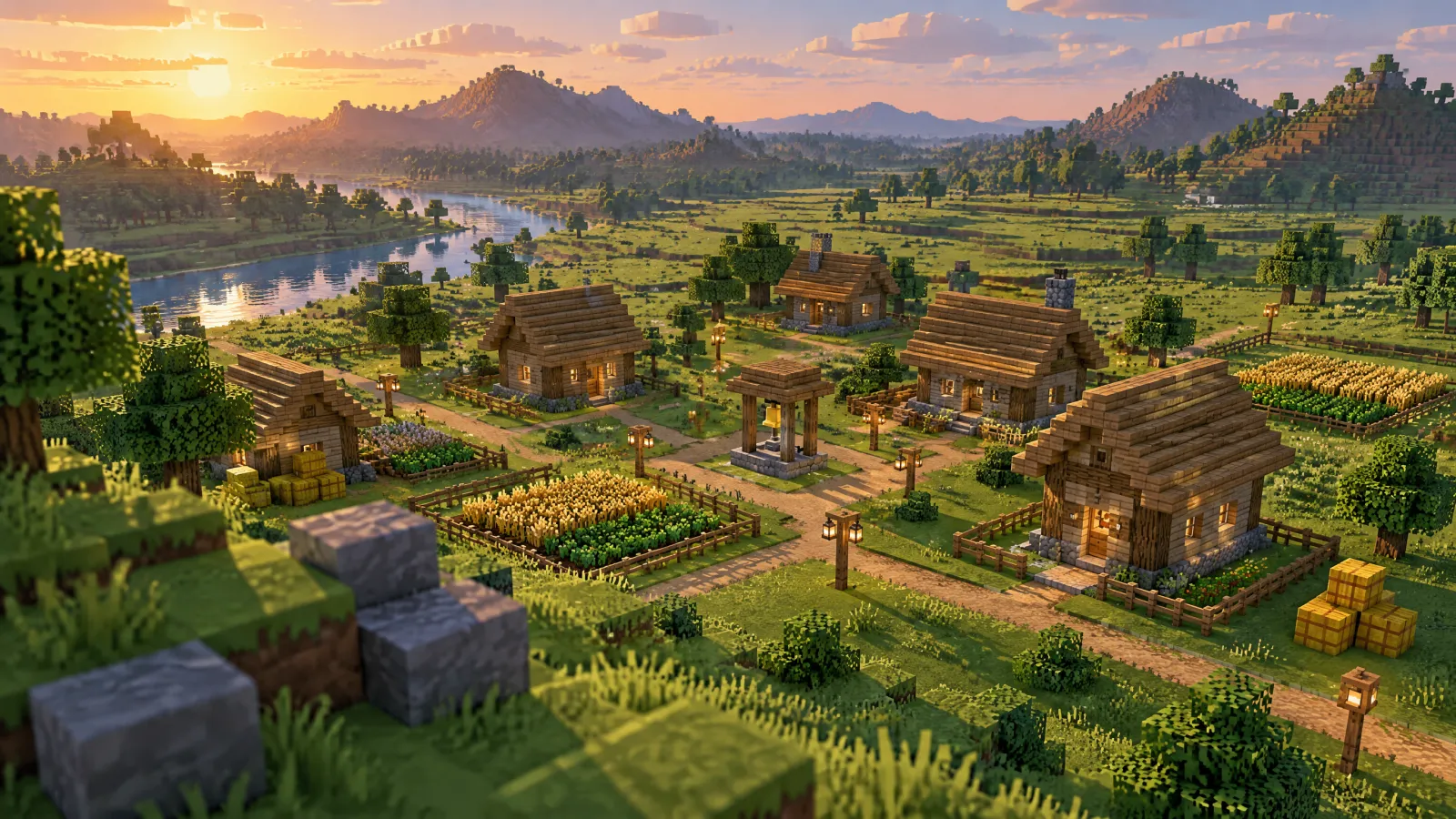
A village gives you villagers to trade with, crops, beds and loot chests, so it is often the first thing players look for in a new world. But villages only generate in a few biomes, and there may be none near your spawn. Here is how to find a village in Minecraft three ways: on a seed map, with the /locate command, and in survival with no tools.
Where do villages generate?
Villages generate on the surface of the Overworld, in only a few biomes. The biome at the village's center decides its style, so a desert village is built from sandstone and a taiga village from spruce.
| Village style | Java Edition biomes | Bedrock Edition biomes |
|---|---|---|
| Plains | Plains, meadow | Plains, meadow, sunflower plains |
| Desert | Desert | Desert |
| Savanna | Savanna | Savanna |
| Taiga | Taiga | Taiga, snowy taiga |
| Snowy | Snowy plains | Snowy plains |
Forests, jungles, swamps, oceans and mountain peaks get no villages of their own, though a village can spill over into them from next door.
In Java Edition the game splits the Overworld into square regions of 34 × 34 chunks (544 × 544 blocks) and picks one spot in each, at least 8 chunks from the spots of the neighboring regions. A village is built there only if the biome allows it. So a wide plains or desert can have up to one village in every 544 × 544 blocks, while across oceans, forests and mountains you can travel more than a thousand blocks without seeing one. Worlds made in Java 1.17 or earlier used 32 × 32-chunk regions, so their villages are in other places.
The Minecraft Wiki puts the chance of at least one village within 500 blocks of spawn at about 1 in 2 in Java Edition and 2 in 3 in Bedrock Edition. Bedrock villages generate in more biomes and closer together, by Bedrock's own rules, so the same seed has its villages in different places in the two editions.
Method 1: find villages on a seed map
A seed map runs the game's generation rules on your seed, so it shows every village around you at once instead of one at a time.
- Get your world's seed: type
/seedin chat in Java Edition. (How to find your Minecraft seed covers servers and Realms.) - Open the village finder, paste the seed and pick the version your world was created in (villages moved in 1.18).
- The Find panel lists the five villages nearest to the middle of the map, with their coordinates. The map opens at 0,0, close to the world spawn; to search from somewhere else, drag the map there and press Find.
- Click a marker or a result to copy its coordinates or a ready-made
/tpcommand.
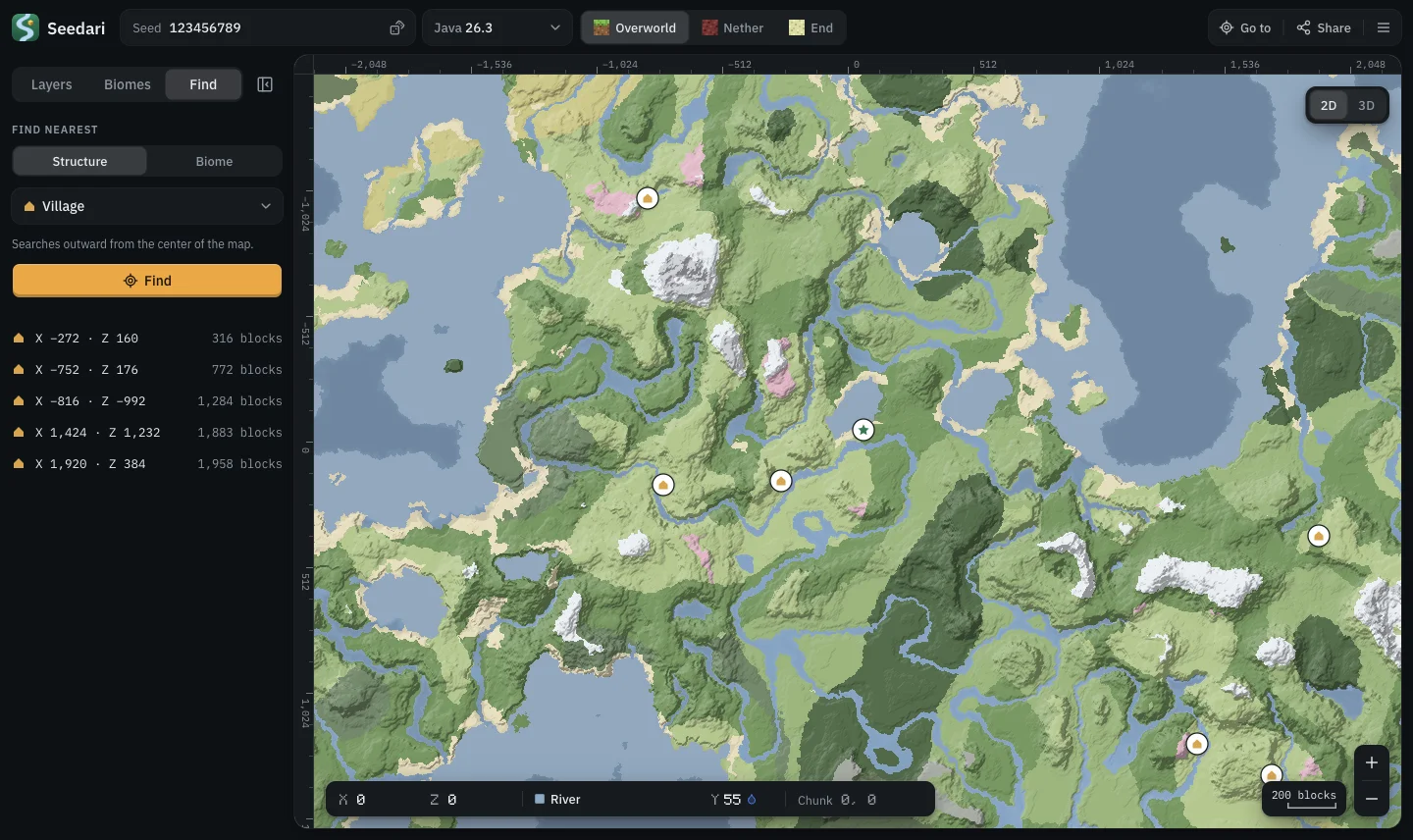
Each marker is the chunk where the village starts: its meeting point, which usually has a bell. In our November 2026 test against the official Java server, on 20 seeds the map was never tuned on, all 120 village lookups (Java 26.3 and 1.21.4) were in the same chunk as the server's /locate answer (accuracy report).
The map shows villages for Java Edition only. For a Bedrock world, use /locate or the tips in Method 3.
Method 2: use the /locate command
With cheats on, the game can give you the coordinates of a nearby village. The command has changed a few times, so use the line for your version:
- Java Edition 1.19 and later:
/locate structure #minecraft:villagefinds any village. For one style, use its own ID, for example/locate structure minecraft:village_desert(the others arevillage_plains,village_savanna,village_snowyandvillage_taiga). - Java Edition 1.18.2:
/locate #village - Java Edition 1.16 to 1.18.1:
/locate village - Bedrock Edition:
/locate structure village(/locate villagebefore 1.19.30)
The game replies with the X and Z coordinates and the distance. It searches outward from where you stand, roughly in order of distance, so the village it names is not always the very nearest. In Java Edition, click the coordinates to put a /tp command in the chat box; it keeps your current height, so on hilly ground you may land in the air or inside a hill.
In Bedrock Edition, turning cheats on disables achievements in that world for good, even if you turn them off later.
Method 3: find a village without tools or cheats
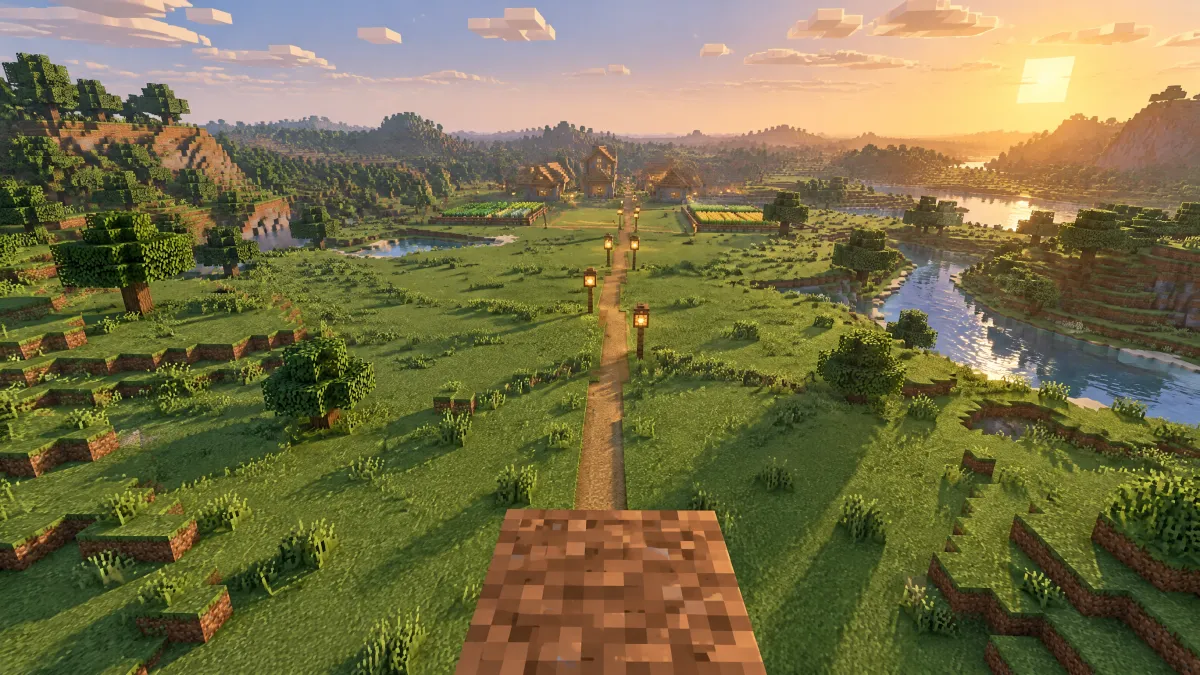
- Go where villages can be. Head for open plains, meadows, deserts, savannas, taigas and snowy plains (in Bedrock, also sunflower plains and snowy taigas). If you spawn in a forest or by the sea, walk until the land opens up.
- Get up high and look. Climb a hill, or pillar up a few blocks, and look around before you walk on. Houses, fields and paths stand out on flat ground, and a higher render distance lets you see farther.
- Follow any path you find. Villages lay dirt paths between their buildings (smooth sandstone in desert villages), and the paths often run past the last house. A stray path means a village is close.
- Watch for lights after dark. Village lamp posts carry torches, or lanterns in snowy villages, so small lights on the ground at night can be a village.
- Buy a map to the next village. An Apprentice-level cartographer can sell you a village map for emeralds and a compass. It leads to a village of another style (a plains cartographer sells savanna and taiga village maps). They have been part of normal play since Java 1.21.5 and Bedrock 1.21.70.
What to do when you find a village
- Find the bell. It is usually near the center, at the meeting point. Villagers gather there, and they ring it when a raid starts.
- Trade. Villagers with a job, like the librarian at a lectern, trade with you for emeralds.
- Collect food and loot. Farms hold crops you can harvest and replant. Every weaponsmith has a chest that can hold iron ingots, obsidian and, in about 1 chest in 7, diamonds.
- Leave the golem alone. An iron golem spawns near the meeting point. It fights back if you attack it, and turns on players who hurt villagers.
- Clear Bad Omen first. If you have Bad Omen (from drinking an ominous bottle), walking into a village turns it into Raid Omen and a raid starts 30 seconds later. Drink milk before you go in.
- Some are abandoned. About 2% of villages have zombie villagers instead of villagers, no doors or torches, and cobwebs. The zombie villagers burn in daylight.
FAQ
Is there an easy way to find a village in Minecraft?
Yes. In Java Edition, a seed map marks every village from your seed. With cheats on, /locate names a nearby one in seconds. Without either, explore village biomes from high ground.
What is the command to locate a village in Minecraft?
/locate structure #minecraft:village in Java 1.19 and later, /locate #village in Java 1.18.2, /locate village in Java 1.16 to 1.18.1, and /locate structure village in Bedrock Edition. Cheats must be on.
How do I get the coordinates of a village?
/locate prints them in chat, and a seed map shows them when you click a village. Once you are there, press F3 in Java Edition or turn on Show Coordinates in Bedrock Edition and write them down (Minecraft coordinates explained).
Is there a village in every Minecraft world? Villages generate across every normal world, but not always near spawn: the chance of at least one within 500 blocks of spawn is about 1 in 2 in Java Edition and 2 in 3 in Bedrock Edition. In Java, a world created with Generate Structures turned off has no villages.
How do I find a village on mobile?
Minecraft on phones and tablets is Bedrock Edition, so use /locate structure village with cheats on, or the survival tips above. Village positions on seed maps like this one are for Java Edition only.
Sources: Minecraft Wiki: Village, Minecraft Wiki: /locate, Minecraft Wiki: Cartographer, Minecraft Wiki: Village loot.