
How to Find Slime Chunks in Minecraft (Java and Bedrock)
Find slime chunks on a seed map or in game: F3+G chunk borders, a test room below Y 40, Bedrock's fixed slime chunks, and where to build a slime farm.
Slimes drop slimeballs, which you need for sticky pistons and slime blocks. Underground they only spawn in slime chunks, and a slime chunk looks exactly like any other chunk. This guide shows how to find slime chunks in Java and Bedrock, with a seed map or in game, and how to pick a spot for a farm.
Where are slime chunks?
A chunk is a 16 × 16 block column of the world, from the bottom to the top. About 1 in 10 chunks is a slime chunk. Slimes can spawn in one below Y 40, in any light and any weather.
| Java Edition | Bedrock Edition | |
|---|---|---|
| Share of chunks | About 1 in 10 | About 1 in 10 |
| Decided by | World seed and chunk position | Chunk position only |
| Same in every world? | No | Yes |
| Where slimes spawn | Below Y 40, any light | Below Y 40, any light |
| Slimes spawn | In groups of up to 4 | One at a time |
Which chunks they are is not random. In Java Edition the game mixes the chunk's X and Z coordinates with the world seed into one number, uses it to start a random number generator, and draws a number from 0 to 9. If it draws 0, the chunk is a slime chunk. Bedrock Edition makes the same kind of draw from the chunk coordinates alone, without the seed.
Method 1: find slime chunks on a seed map
This is the easiest way, and it works for both editions.
- Java Edition: get your seed with
/seed. (How to find your Minecraft seed covers servers and Realms.) Bedrock Edition: skip this step; the seed makes no difference. - Open the slime chunk finder on Seedari. Paste your seed and pick Java and your version, or choose Bedrock in the version menu.
- Zoom in until the slime chunks show as outlined squares. When you zoom out too far, the map hides them.
- Turn on Chunk grid in the Layers tab to see every chunk border.
- Point at a slime chunk. The coordinate bar shows the X and Z under your pointer, and on a wide screen the chunk coordinates too. To center the map on where you stand in the game, press Go to and paste your coordinates.
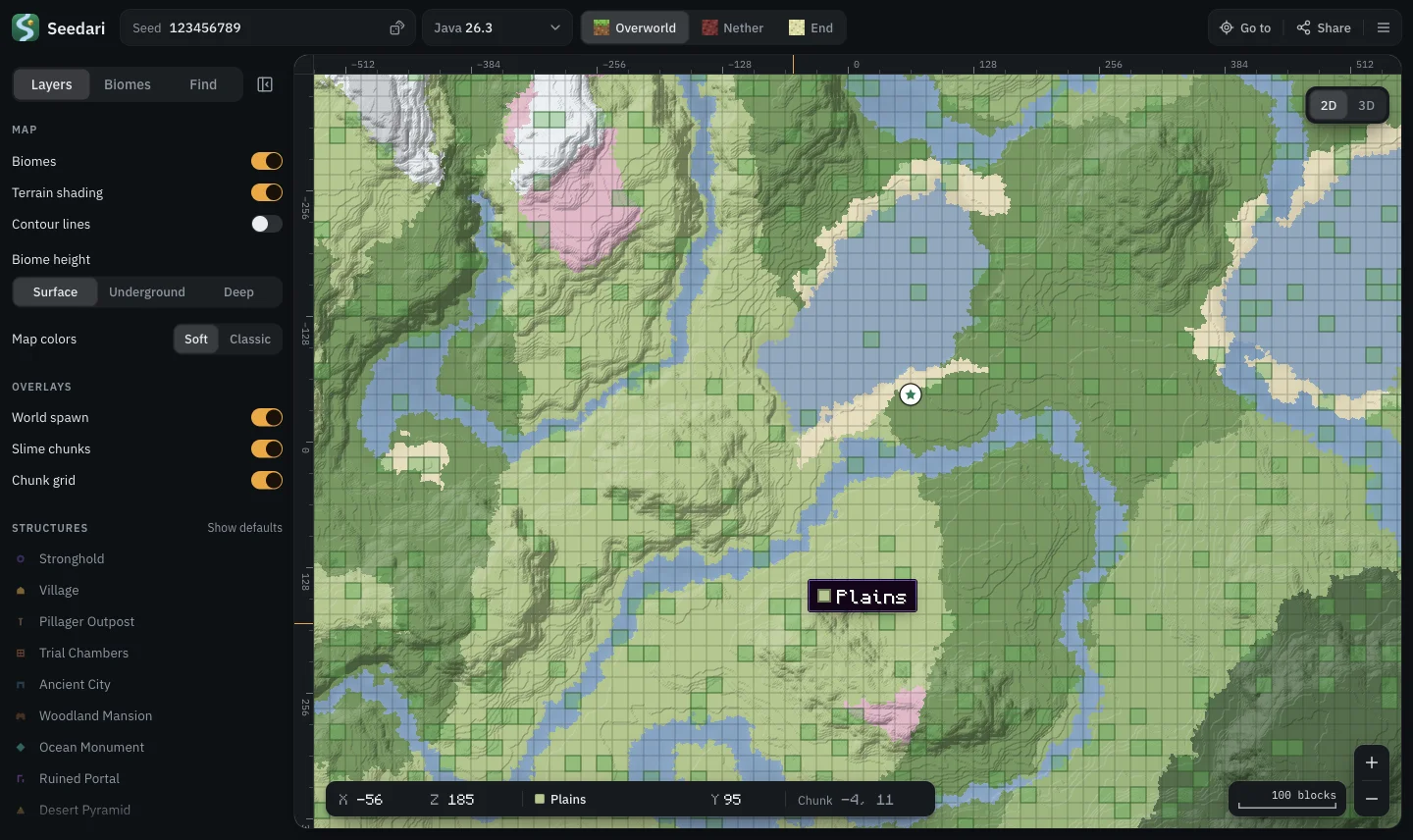
The map computes slime chunks with the game's own formula, from the seed and each chunk's coordinates. In Java Edition the one thing to get right is the seed: a wrong seed shows the wrong chunks.
Method 2: find slime chunks in game, without a seed
If you don't know the seed, or a server hides it, you can test chunks by hand.
Find where one chunk ends
- Java Edition: press F3+G to draw the chunk borders around you. They show where a chunk starts and ends, not whether it is a slime chunk. The F3 screen also has a "Chunk" line with the chunk's coordinates. Worlds and servers with the reduced debug info game rule turn F3+G off.
- Bedrock Edition: there is no chunk border view. Turn on Show Coordinates in the world settings and use the numbers: chunk borders are where X or Z is a multiple of 16. X 32 to 47 is one chunk, and X 48 starts the next.
Dig a test room
- Pick one chunk and dig it out below Y 40, as much of the 16 × 16 as you can. Keep the floor at Y 38 or lower, so the space a slime spawns in is under Y 40.
- Make the room at least 3 blocks tall. A slime only spawns where a big slime (about 2.1 blocks) would fit, even when the one spawning is small.
- Light it up with torches. Most other hostile mobs need darkness to spawn; slimes in a slime chunk don't.
- Move 24 to 40 blocks away and wait. Mobs never spawn within 24 blocks of a player, and in Bedrock on simulation distance 4 they don't spawn more than 44 blocks away.
- If slimes appear in the room, you have found a slime chunk. If none do, try the next chunk.
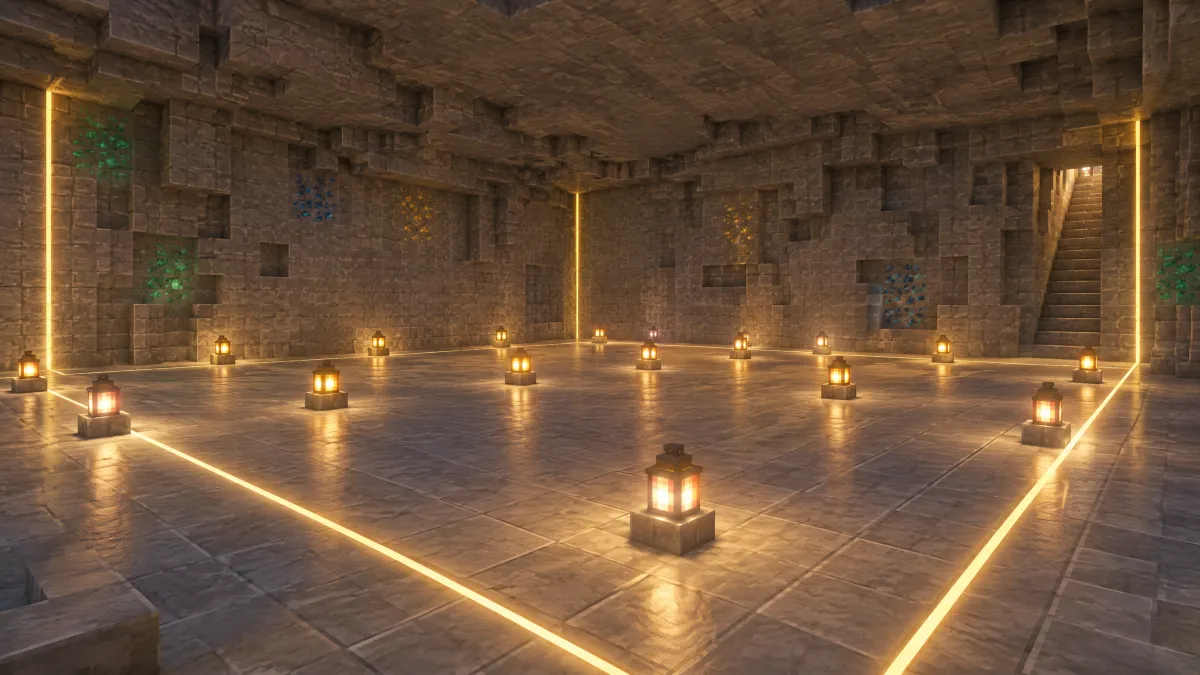
Testing takes patience, since 9 in 10 chunks are not slime chunks. Dig out 22 chunks and there is about a 90% chance at least one is. Slimes also keep hopping around when no one is near, so a single slime may have come from the chunk next door. Wait until several have spawned inside.
If no slimes show up, check these first:
- The difficulty is Peaceful. Slimes don't spawn on Peaceful.
- The floor is at Y 39 or higher.
- The room is less than 3 blocks tall, or the floor is glass or another block mobs can't spawn on.
- You are closer than 24 blocks, or too far away.
- Dark caves nearby are filling the hostile mob cap. Light them up too.
Bedrock Edition: the same slime chunks in every world
In Bedrock Edition the slime chunk formula uses only the chunk's X and Z coordinates. Players worked it out from the game, and the Minecraft Wiki links to it. So a slime chunk at a given spot is one in every Bedrock world, whatever the seed. On a seed map, choose Bedrock in the version menu; any seed works.
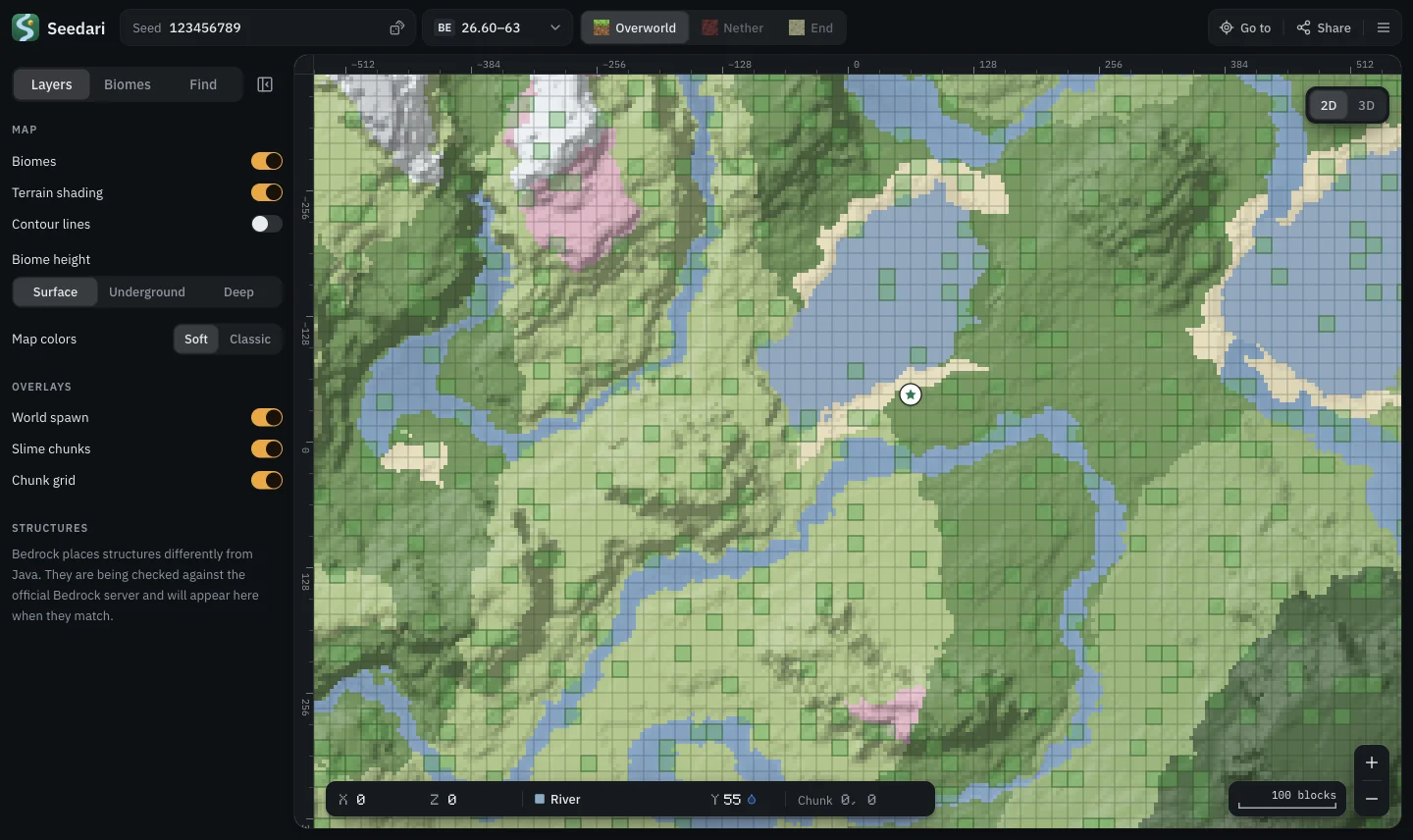
Two other things differ in Bedrock. Slimes spawn one at a time instead of in groups. And mobs spawn closer to you: 24 to 44 blocks away on simulation distance 4, and up to 128 blocks on 6 and higher, so keep your waiting spot near the room.
Slime chunks vs swamps
Slimes also spawn on the surface in swamps and mangrove swamps, in any chunk of those biomes. The rules are different:
| Slime chunks | Swamps and mangrove swamps | |
|---|---|---|
| Height | Below Y 40 | Y 51 to 69 |
| Light | Any | Level 7 or less |
| Moon phase | No effect | Most on a full moon, none on a new moon |
A swamp farm needs no digging and can be any size, but it spawns slimes more slowly than a slime chunk. To find a swamp, use /locate biome minecraft:swamp in Java Edition 1.19 and later, /locate biome swampland in Bedrock Edition (its Bedrock name), or the biome finder.
Picking a spot for a slime farm
- Look for slime chunks next to each other. A farm that covers two or more gets more spawning space.
- Plan where you will wait. In Java, slimes only spawn and stay within 128 blocks of a player, and never within 24 blocks. Every spawning floor should be 24 to 128 blocks from your waiting spot.
- Light up the caves around it. Within 128 blocks of your waiting spot, light or block off caves so other mobs don't use up the mob cap.
- Stack spawning floors. Many farms use layers with a 2½-block gap, built with slabs, lit just enough to stop other mobs.
FAQ
How do you easily find slime chunks? Use a seed map. In Java Edition enter your seed; in Bedrock Edition you don't even need one. Without a map, dig out a chunk below Y 40, light it up and see if slimes spawn.
Does F3+G show slime chunks? No. In Java Edition F3+G shows chunk borders, which tell you where one chunk ends, not whether it is a slime chunk. Use it with a seed map or a test room.
What Y level are slime chunks? A slime chunk is the whole column, but slimes only spawn in it below Y 40, down to the bottom of the world (Y −64 in current versions). Swamp slimes spawn at Y 51 to 69.
Is there a command to locate slime chunks?
No. /locate finds structures and biomes (and points of interest in Java), not slime chunks. In Java Edition, /seed gives you the seed to look them up on a map. /locate biome can find you a swamp.
Are slime chunks the same in Java and Bedrock? No. In Java Edition they depend on the world seed. In Bedrock Edition they are at the same coordinates in every world.
Sources: Minecraft Wiki: Slime, Minecraft Wiki: Chunk, Minecraft Wiki: Tutorial:Slime farming, Minecraft Wiki: Mob spawning.